


 Česky (CZK)
 Slovensky (EUR)
LogTag LTI-HID USB Interface
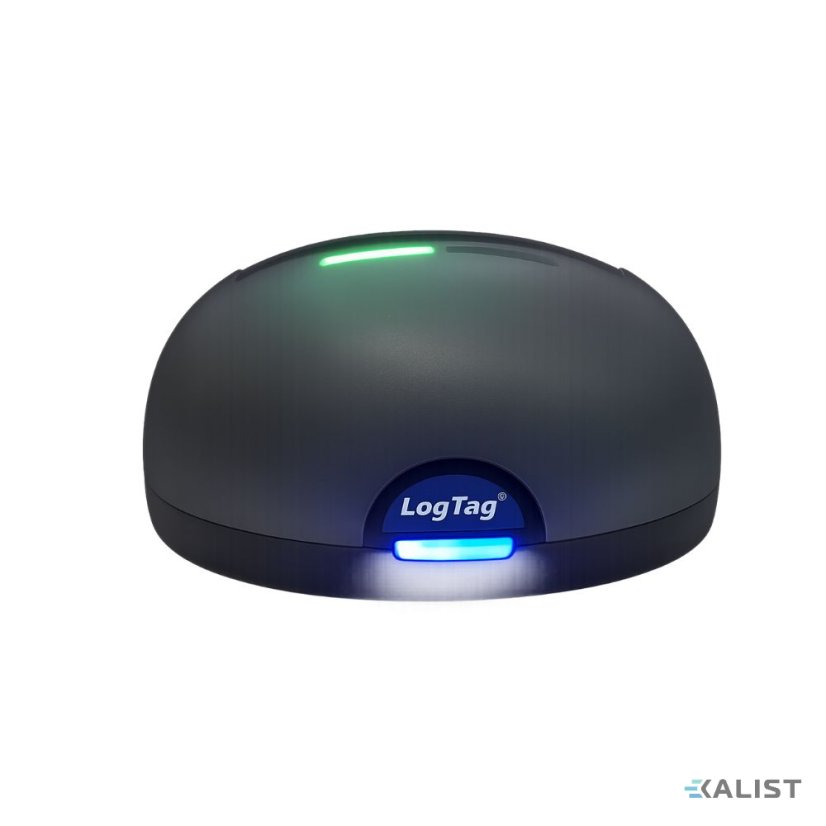
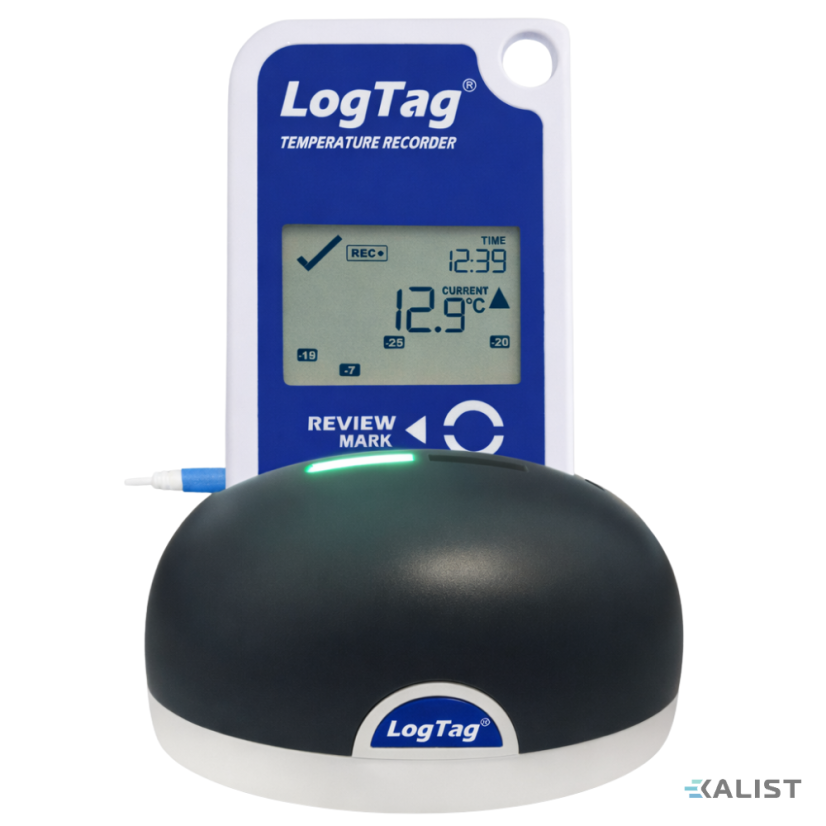


LogTag LTI-HID USB Interface
 The LogTag LTI-HID USB reader is used for communication between LogTag data loggers and a computer, especially for data download, logger configuration, and further work in the LogTag Analyzer software. It is intended for standard LogTag data loggers with 3 contact pins on the rear side. More
The LogTag LTI-HID USB reader is used for communication between LogTag data loggers and a computer, especially for data download, logger configuration, and further work in the LogTag Analyzer software. It is intended for standard LogTag data loggers with 3 contact pins on the rear side. More
The LogTag LTI-HID USB reader is used for communication between LogTag data loggers and a computer, especially for data download, logger configuration, and further work in the LogTag Analyzer software. It is intended for standard LogTag data loggers with 3 contact pins on the rear side. More
LogTag LTI-HID is a desktop USB interface designed for data transfer between compatible LogTag data loggers and a computer. Connection to the computer is made via a micro USB connector, and the device is powered directly from the computer.
A practical feature of the device is its two status LEDs, green and red, which indicate the current communication status. This allows the user to easily identify whether the interface is ready, data exchange is in progress, the logger is being configured, or a communication error has occurred. LTI-HID is suitable for environments where data loggers are used regularly and fast, repeatable, and clear data transfer to a PC is required.
Suitable use
- downloading data from LogTag data loggers to a computer
- configuring data loggers before deployment
- archiving records in LogTag Analyzer software
Technical parameters
- Model: LTI-HID
- Device type: desktop USB communication interface for LogTag data loggers
- Compatibility: all standard LogTag products with 3 silver contact pins in the lower rear part of the case
- Recorder operating temperature range: -20 °C to +60 °C
- Storage temperature range: -40 °C to +70 °C
- Ingress protection: IP50, for indoor use only
- Power supply: from computer
- Computer connection: Micro USB
- USB standard: 2.0
- Compatible software: LogTag Analyzer, LogTag Online
- Status indication: green “Activity” LED, red “Busy/Error” LED
- Dimensions: 45 × 85 × 71 mm, excluding cable
- Weight: 74 g, excluding cable
- Case material: polycarbonate, ABS
- Certifications: FCC, CE, RoHS
Scope of delivery
The package includes a 1.0 m micro USB to USB-A cable.
Power supply and operation
The device is powered directly from the computer, so it does not require a separate power adapter or batteries. After connection to the computer, the device is recognized by the Windows operating system and the interface is ready for use once setup is complete.
Display and control
The device has no display. Operation is performed by inserting a compatible logger into the reader and working in the LogTag Analyzer software or another supported program. Communication status is indicated by two LED indicators.
The green LED indicates readiness or successful completion of an operation, while the red LED indicates ongoing communication or an error. After the logger is removed, the green LED remains on, confirming that the interface is ready for the next device.
Key features
- used for communication between LogTag data loggers and a computer
- supports both data download and logger configuration
- compatible with standard LogTag products with 3 contact pins
- uses built-in Windows drivers without proprietary installation
- communication status is indicated by green and red LEDs
- connection to the computer via micro USB
- powered directly from the computer’s USB port
Related products3
Datalogger teploty LogTag TRIX-16
| Temperature range (max) | 85 °C |
|---|---|
| Temperature range (min) | -40 °C |
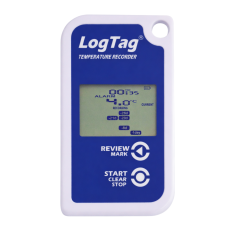
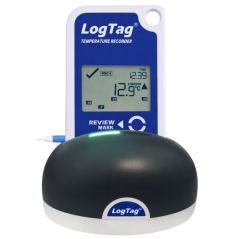
Datalogger LogTag TRID30-7R
| Temperature range (max) | 60 °C |
|---|---|
| Temperature range (min) | -30 °C |
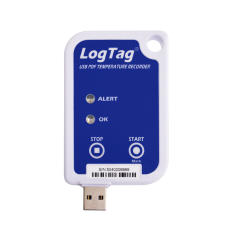
Datalogger LogTag UTRIX-16
| Temperature range (max) | 70 °C |
|---|---|
| Temperature range (min) | -30 °C |